Building a Modern Stock Exchange App with Flutter, Riverpod & Clean Architecture
A complete behind-the-scenes journey of designing, architecting, and building a full-featured stock trading and analytics app using Flutter, Riverpod, and Clean Architecture. From UI planning to API integration and AI financial insights, this article covers every major decision made during the development.
- DATE
- CATEGORY
- BRANDING
- READING TIME
- 5 MIN
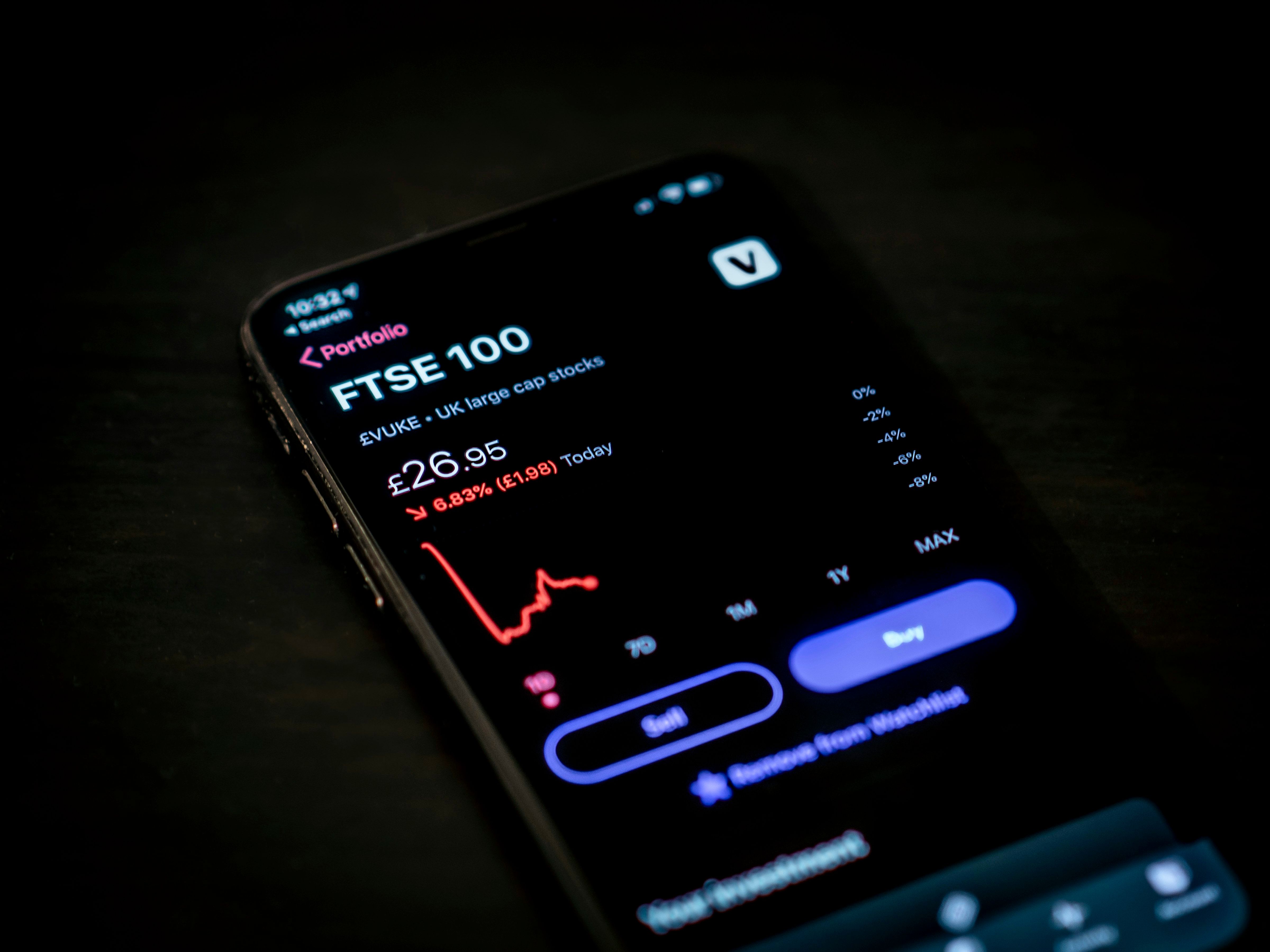
Building a Stock Exchange mobile application is one of the most challenging yet rewarding projects I’ve worked on. The goal wasn’t just to show stock prices — it was to craft a tool that feels premium, fast, reliable, and insightful even for beginner investors.
In designing this app, I wanted to combine four powerful elements: modern design, clean architecture, real-time financial data, and AI-powered market insights. This meant using Flutter for speed and flexibility, Riverpod for predictable reactivity, Firebase for syncing user preferences, and OpenAI/Gemini for intelligent summaries.
The Vision Behind the App
Before writing any code, I spent time clarifying what this app should feel like. I wanted users to feel like they’re interacting with a high-end trading terminal — but with the simplicity of a modern mobile app. This meant focusing on clarity, contrast, spacing, and clean typography.
I studied interfaces from Bloomberg, Robinhood, WeBull, and Binance to understand what makes them intuitive. One insight stood out: great trading apps reduce cognitive load. They present numbers in digestible patterns, highlight what's important, and remove anything unnecessary.

Clean Architecture: The Backbone of the App
The project uses a feature-based Clean Architecture, meaning every section of the app — Search, Watchlist, Chart, News, AI Insights — exists as a self-contained module. This prevents files from scattering everywhere as the app grows.
The architecture is divided into 3 core layers:
- Domain → Pure models and use cases
- Data → API calls, Firebase repositories, mappers
- Presentation → Riverpod Notifiers and Flutter UI widgets
This separation makes the app easier to test, scale, and debug.
Real-Time Candlestick Chart
The candlestick chart is the most visually important component of the app. It’s where traders instantly determine trends, reversals, and patterns. I used syncfusion_flutter_charts due to its stability and optimization. The chart responds smoothly thanks to Riverpod’s state updates.
There’s also smart caching to avoid unnecessary API calls when revisiting stock symbols. This keeps the app lightning-fast even on slower networks.

Feature-Based Folder Structure
The decision to use a feature-based structure came from your previous projects like GoalHub and Nolawi. With features split cleanly, each part of the app can evolve independently. For example:
stock_detail/search_stock/watchlist/news/auth/
Each folder contains models, services, views, providers, and widgets dedicated to that feature.
Integrating AI for Smarter Stock Insights

Financial markets are complex, and new investors often struggle to interpret charts, volume shifts, or trend changes. To solve this, I integrated AI summaries using OpenAI/Gemini APIs. The app generates explanations like:
- 'This stock shows a bullish breakout.'
- 'High volume indicates institutional movement.'
- 'Risk score is moderate due to recent volatility.'
This transforms the app from a simple data viewer into a financial mentor. Even beginners can understand market signals without reading long articles.

Firebase Sync for Watchlists & Recent Stocks
User data such as watchlists, favorite stocks, and recently viewed symbols syncs seamlessly using Firebase. Riverpod StreamProviders listen to real-time Firestore updates, meaning the UI updates the moment something changes.
This also enables multi-device syncing. Whether the user logs in from Android or iOS, everything stays in sync.
UI/UX Decisions That Elevated the App

The interface uses a dark theme with neon-accent indicators to provide a premium trading experience. I added subtle motion effects for transitions between symbols and used custom card components for lists and summaries. Spacing and visual hierarchy were carefully tuned to reduce cognitive load.
I also made sure the UI adapts to different screen sizes and text scales, ensuring accessibility without sacrificing style.
Final Thoughts
This stock exchange app represents the perfect combination of clean engineering, thoughtful design, and modern AI integration. Using Flutter with Clean Architecture and Riverpod ensured that the codebase remained clean and scalable. Features like real-time charts, Firebase syncing, and AI explanations elevated the app into something powerful and user-friendly. Future updates may include simulated trading, portfolio tracking, and advanced pattern detection powered by AI.